
Something went wrong. Try again.
Fork of https://github.com/bddicken/tuitter.
Something went wrong. Try again.
Files


README.md
tuitter #
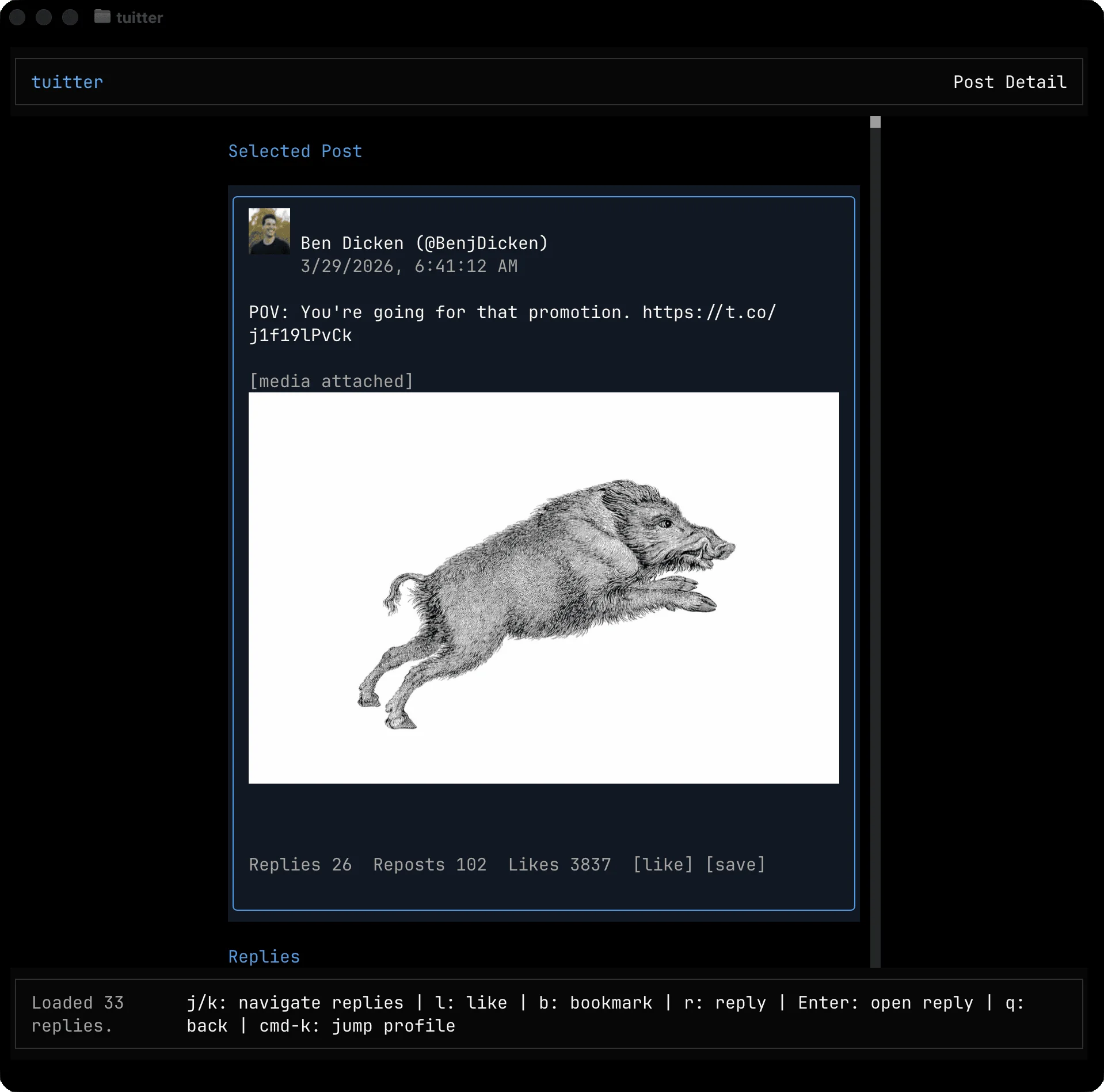
tuitter is a terminal UI client for X (Twitter) built with TypeScript and OpenTUI.
It lets you authenticate with your own X account and browse or interact with content directly from the terminal.
Download, install, and run #
Prerequisites #
- Bun installed
- An X developer app with OAuth 2.0 credentials (see the section below)
1) Clone and install dependencies #
git clone https://github.com/<your-org-or-username>/tuitter.git
cd tuitter
bun install
2) Create your local env file #
cp .env.example .env
Then set at least:
X_CLIENT_ID(required)
Optional:
X_CLIENT_SECRETX_REDIRECT_URI(defaults tohttp://127.0.0.1:8787/callback)X_OAUTH_SCOPESX_TOKEN_STORE_PATHX_IMAGE_MODE(auto,kitty, oroff)
Optional screen-time limit #
Create a tuitter.conf file in the directory where you launch tuitter:
MAX_SECONDS=3600
MAX_SECONDSsets your maximum allowed usage per day.- Daily usage is tracked in a local
.tuitterstate file in that same directory. - When the limit is exceeded, tuitter shows a large red warning banner in the UI.
Quick use:
- Add
MAX_SECONDS=<seconds>totuitter.conf(example:MAX_SECONDS=1800for 30 minutes/day). - Start
tuitterfrom that same directory. - When you hit the limit, tuitter blocks usage until the next day.
3) Link and start the app #
bun link
tuitter
On first launch, the app opens your browser for OAuth authorization and then stores your token locally (default: ~/.tuitter/oauth-token.json).
Create your own .env variables from console.x.com #
Use these steps so anyone can run this project with their own X developer app:
- Go to console.x.com and sign in.
- Create a new Project/App (or open an existing app).
- In the app settings, enable OAuth 2.0.
- Set the callback/redirect URL to:
http://127.0.0.1:8787/callback
- Copy the Client ID into:
X_CLIENT_ID=...
- If your app is configured as a confidential client, also copy the Client Secret into:
X_CLIENT_SECRET=...
- (Optional) Configure scopes. The app defaults to:
tweet.read users.read tweet.write like.write like.read bookmark.write bookmark.read offline.access
- Save your
.envand runtuitteragain.
If OAuth fails, verify that the callback URL in console.x.com exactly matches X_REDIRECT_URI in your .env.
·
Copy SHA
- TypeScript 100%
- Shell <1%